
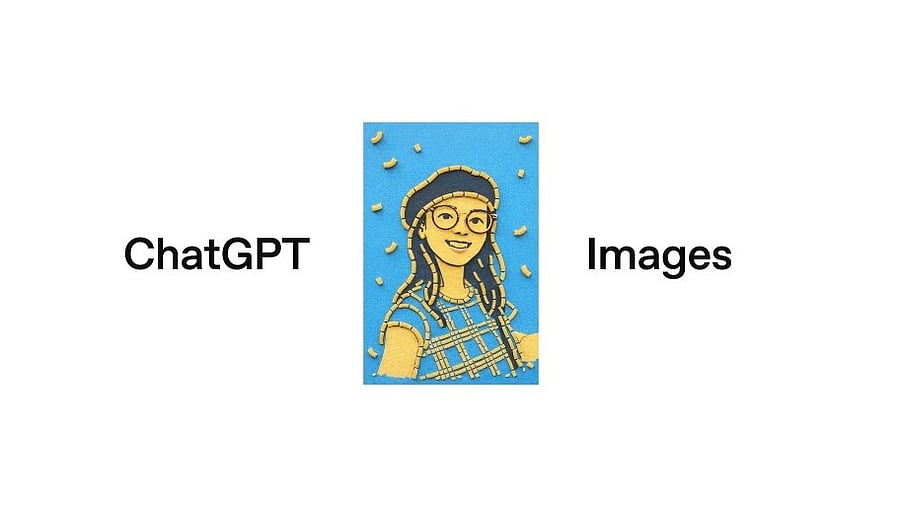
ChatGPT Images.
Credit: OpenAI
Microsoft-backed Artificial Intelligence (gen AI) startup OpenAI has rolled out a new big update to ChatGPT.
It brings the improved GPT Images 1.5 feature. It is capable of churning out photorealistic images with text prompts, and that too, 4X faster than previously.
The user can also upload a photo and edit with text prompts. He/she can add, subtract, combine, blend, and transpose images or objects with ease.
This will come in handy in usecases such as clothing and hairstyle try-ons. Additionally, it offers stylistic filters as well.
"The model also improves on additional dimensions that translate to more immediately usable outputs, like rendering many small faces and how natural outputs look," said the company.
The company has refurbished the user interface of the ChatGPT mobile app and the website. It has introduced a dedicated home for Images(opens in a new window) in ChatGPT. It is available in the sidebar through the mobile app and on chatgpt.com, to make exploring and try creating images faster for the user.
ChatGPT Images feature.
Credit: OpenAI
Here's how to access GPT Images 1.5 on ChatGPT:
Step 1: Open the model/ tool drop-down and select Images, or access the new Images experience via the sidebar.
The new GPT Images 1.5 update is now available to all regular users. For Business and Enterprise subscribers, they will get access to it with more benefits later in the coming weeks.
Try one of these prompts to play around with ChatGPT Images tool:
1) Reimagine the uploaded image in a 1600s North Indian attire-influenced Indian court fashion look. Outfit: Flowing anarkali / achkan – Ivory, gold, muted pastels. Styling: Elegant, architectural silhouettes - no heavy jewellery. Lighting: Soft arches, diffused lighting.
2) Create a life-sized Mumbai street mural that preserves the subject’s real facial features exactly, set on a clean, middle-class residential building inspired by St+Art Mumbai murals - accurate scale, everyday onlookers, vibrant but authentic city textures.
3) Reimagine the subject seamlessly woven into an intricate block printed textile inspired by Jaipur craftsmanship. Preserve the real face and natural expression while allowing their silhouette to emerge gently from repeating patterns of paisleys, florals, and geometric forms. If there’s no person, let the scene dissolve fully into repeating paisleys, florals, and geometric forms with visible woodblock texture. Use deep madder red, turmeric yellow, and indigo blue arranged in rhythmic layers that feel hand composed rather than perfectly uniform. Let the fabric appear both worn and lived in, with visible woodblock textures, slight misalignments, and subtle ink variations that reveal the human process behind the print. The subject or scene should feel as though it is becoming part of it, dissolving into the pattern while remaining recognizable. The overall image should feel tactile, warm, and timeless, celebrating craft, repetition, and quiet beauty rather than a literal scene or setting.
Get the latest news on new launches, gadget reviews, apps, cybersecurity, and more on personal technology only on DH Tech.