
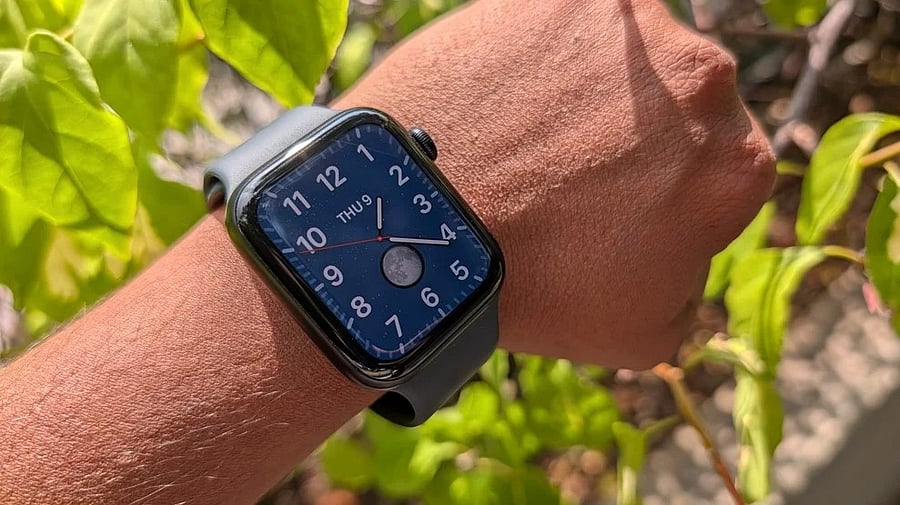
Apple Watch SE 3.
Credit: DH Photo/KVN Rohit
After years of delay, Meta has finally launched the standalone WhatsApp Messenger for Apple Watches.
With the dedicated app, users will be able to view the entire WhatsApp messages, record and send voice messages.
Also, users can send quick emoji reactions to messages they receive directly from the Apple Watch on the wrist.
One of the most important features which was sorely missed was the call notification. With the dedicated app, users will be able to see who’s calling without needing to look at the iPhone.
List of Apple Watches compatible with WhatsApp Messenger:
Apple Watch Series 4, Watch Series 5, Watch SE (1st gen), Watch Series 6, Watch Series 7, Watch Series 8, Watch SE (2nd gen), Watch Ultra (1st gen), Watch Series 9, Watch Ultra (2nd gen), Watch Series 10, Watch Series 11, Watch SE (3rd gen), and Watch Ultra 3.
WhatsApp for Apple Watch.
Credit: Meta
Here's how to install WhatsApp Messenger on Apple Watch:
Prerequisite: Ensure the device is running watchOS 9.1 or a newer version
Step 1: Press the digital crown, scroll down to find App Store
Step 2: There, type WhatsApp and tap install
Or else
Go to your iPhone, open the Apple Watch app, scroll down, you will find WhatsApp at the bottom (provided you have installed WhatsApp on your iPhone) and tap on it
Step 3: It will get downloaded to the Apple Watch. It will get installed without any need for scanning a QR code, like we do to link a WhatsApp account on multiple devices.
Get the latest news on new launches, gadget reviews, apps, cybersecurity, and more on personal technology only on DH Tech.